I have been writing about this problem for over two years now. It started with a simple observation: AI coding assistants hallucinate because they lack grounded context. They guess instead of knowing. I wrote about building hallucination-free AI systems using Knowledge Graphs, then about how Knowledge Graphs transform GenAI code assistants from guessing to knowing, and most recently about making AI assistants actually fast with smart search. My latest about Claude Code CLOUDE.md at The CLAUDE.md File: Your Project’s AI Brain
Those articles covered the theory and the architecture. This one covers the practical system I’ve been running in production for two years with a team of engineers.
The Problem That Won’t Go Away
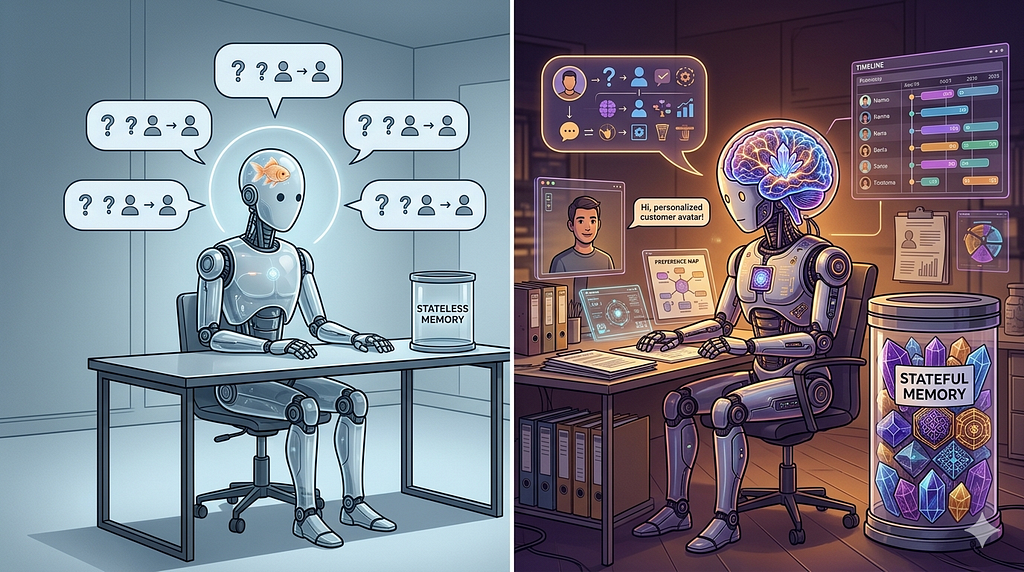
Every team I talk to has the same experience. Their AI assistant generates an API endpoint that doesn’t exist. It invents configuration values. It writes code that follows conventions from some other project. Someone trusts the output, spends hours debugging, and then says “AI isn’t ready for real work.”
The AI is ready. Your knowledge layer isn’t.
When an AI assistant enters your repo, it sees files. It doesn’t see relationships between files. It doesn’t know which documents are authoritative and which are outdated meeting notes from six months ago. It doesn’t understand that the VP’s directive from January overrides the architecture doc from November. Without that context, it fills in gaps with plausible-sounding fiction.
The Three-Layer System
After two years of iteration, the system I run has three layers. Each one builds on the previous.
Layer 1: A Structured Knowledge Repository
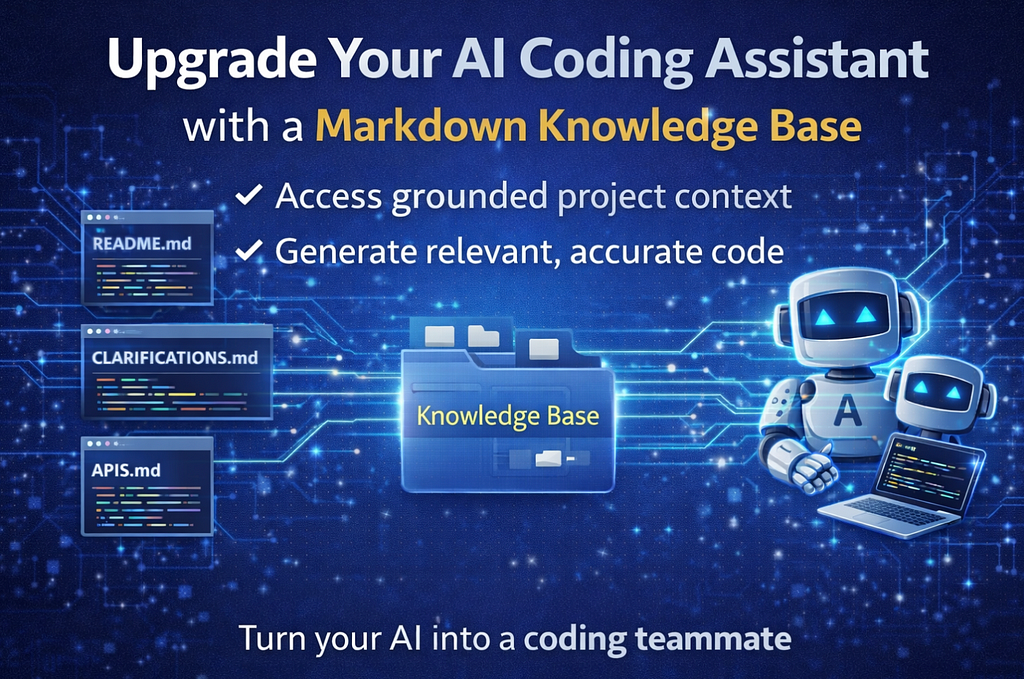
This is a directory of markdown files in your repo, organized by authority level. Not all documents are equal, and your AI needs to know the difference.
Tier 1 (Source of Truth): Leadership-approved docs, architecture decisions, scorecards. Read-only for AI agents. If the AI contradicts a Tier 1 file, the AI is wrong.
Tier 2 (Core Knowledge): Technical markdown files explaining system components. Your project’s “textbook.”
Tier 3 (Working Documents): Sprint plans, meeting notes, generated reports. Useful context, but not authoritative.
Tier 4 (Archive): Old docs kept for reference, explicitly marked as non-authoritative.
The directory structure is simple:
project-root/
  START_HERE.md              # Entry point for humans and AI
  Knowledge/
    KNOWLEDGE_GRAPH.md       # The map (Layer 2)
    Source of Truth/          # Tier 1
    00_project_context.md    # Tier 2
    01_component_a.md
    meetings/                # Tier 3
    archive/                 # Tier 4
  Planning/
    Sprint_1/
  prompts/
    templates/
      AI Agents/             # Agent definitions
Every file is markdown. Version-controlled, diff-friendly, AI-readable.
Layer 2: A Markdown Knowledge Graph
This is the piece most teams skip, and it’s the piece that makes everything work.
The Knowledge Graph is a single markdown file that maps relationships between all documents. It contains:
- Document hierarchy with one-line descriptions per file
- Concept clusters grouping related files across directories
- Evidence trails connecting decisions to their sources
- Navigation paths for different use cases (onboarding, debugging, architecture review)
When an AI agent gets a question like “What’s our authentication strategy?”, it reads the Knowledge Graph first, finds the “Authentication” concept cluster, reads those files in priority order (Tier 1 first), and answers with citations.
Without the graph, the AI brute-force searches every file, misses important context, and treats a random meeting note with the same weight as a VP directive.
Layer 3: Specialized AI Agents
Each agent is a markdown prompt file that consumes the Knowledge Graph and performs domain-specific work. I run agents for development, code review, sprint planning, security review, and service onboarding.
Every agent prompt starts with mandatory initialization:
## Session Initialization (MANDATORY)
1. Read START_HERE.md
2. Read Knowledge/KNOWLEDGE_GRAPH.md
3. Read relevant Source of Truth files
4. Cite sources with file:line format
5. Never speculate. Say "I don't know" when unsure.
This initialization sequence is what turns a generic AI into a grounded team member.
The Results After Four Months
Onboarding dropped from weeks to hours. New developers read START_HERE.md, the Knowledge Graph answers their questions with cited sources. No more “ask that person who’s been here for three years.”
Sprint review prep went from 2 hours to 5 minutes. A slash command pulls live data from the project tracker and generates the entire presentation deck.
Decision traceability went from “I think we decided X” to “see file Y, line Z.” Every architecture decision is documented, cited in the Knowledge Graph, and available to every agent.
AI accuracy improved dramatically. With the Knowledge Graph providing grounded context, agents stopped hallucinating about system behavior and started citing real evidence.
The Five Mistakes That Will Kill Your Knowledge Base
- Trying to document everything at once. Start with your Source of Truth and five core knowledge files. Grow from there.
- Skipping the authority hierarchy. Without tiers, AI treats a random Slack thread export with the same weight as your CTO’s architecture decision.
- Letting the Knowledge Graph go stale. Build maintenance into your workflows. A stale graph produces stale answers.
- Duplicating content across agent prompts. One source file per agent. Everything else is a thin pointer.
- Forgetting the rules file. Without explicit rules (“cite sources,” “never speculate,” “Tier 1 overrides Tier 2”), AI agents default to generic behavior.
Start Today With Three Files
You don’t need a month to set this up. Start with three files:
- START_HERE.md — Your project’s entry point. What is this? Who’s on the team? What are we building? Where are the credentials?
- Knowledge/KNOWLEDGE_GRAPH.md — A document map organized by tiers, with concept clusters for your top 5 topics.
- AGENTS.md — Rules for AI agents entering your workspace. Read the graph first. Cite sources. Don’t hallucinate.
These three files take an afternoon to create and immediately improve every AI interaction in your repo. The system compounds over time. Every document you add makes every agent smarter.
I’ve been building and refining this approach for over two years. The core insight hasn’t changed: AI assistants don’t need better models. They need better knowledge. Give them structured, authoritative, relationship-mapped knowledge, and they stop guessing and start knowing.
Rany ElHousieny is a GenAI leader. Connect on LinkedIn.
This article is part of an ongoing series on AI-powered engineering. Follow for more.
Previous Articles in This Series
- The Complete Guide to Building Hallucination-Free AI Systems: From Prompts to Knowledge Graphs
- How Knowledge Graphs Transform GenAI Code Assistants from Guessing to Knowing
- From Knowledge Graphs to Smart Search: Making AI Assistants Actually Fast
References
- The Complete Guide to Building Hallucination-Free AI Systems: From Prompts to Knowledge Graphs — Rany ElHousieny, Level Up Coding, January 2026
- How Knowledge Graphs Transform GenAI Code Assistants from Guessing to Knowing — Rany ElHousieny, LinkedIn Pulse
- How Knowledge Graphs Transform GenAI Code Assistants — Rany ElHousieny, LinkedIn Pulse
- From Knowledge Graphs to Smart Search: Making AI Assistants Actually Fast — Rany ElHousieny, LinkedIn Pulse
Why Your AI Coding Assistant Needs a Markdown Knowledge Base (Not Just a Better Prompt) was originally published in Level Up Coding on Medium, where people are continuing the conversation by highlighting and responding to this story.