Complete Beginner Guide to Using STON.fi (TON DeFi Explained)
 WEB3 SCOUT2 min read·Just now
--
Decentralized Finance (DeFi) is growing fast, and the TON ecosystem is becoming one of the most exciting spaces in crypto.
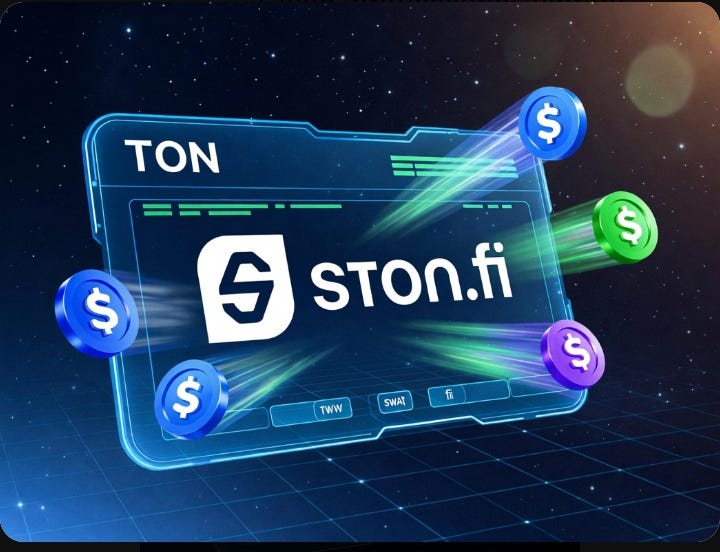
One platform leading this growth is STON.fi — a decentralized exchange (DEX) that allows users to swap tokens quickly and with low fees.
In this guide, I’ll walk you through how to use STON.fi step-by-step.
🔹 What is STON.fi?
STON.fi is a decentralized exchange built on the TON blockchain.
It allows users to swap tokens without relying on centralized platforms.
That means:
More control over your assets
Faster transactions
Lower fees
🔹 Why STON.fi Matters
STON.fi plays a key role in the TON ecosystem by:
Providing liquidity
Enabling token swaps
Supporting DeFi growth
As TON adoption increases, platforms like STON.fi will become even more important.
🔹 Step-by-Step: How to Use STON.fi
Connect your TON wallet
Select the token you want to swap
Choose the token you want to receive
Review transaction details
Confirm the swap
That’s it — simple and fast.
🔹 Tips for Beginners
Always double-check token addresses
Start with small amounts
Be aware of network fees
🔹 Final Thoughts
STON.fi makes DeFi on TON accessible to everyone.
Whether you're a beginner or experienced user, it's a powerful tool worth exploring