xAI adds screenshot pasting to Grok Build to speed up terminal debugging
xAI's CLI coding agent adds visual context to its workflow, letting developers share what they see instead of describing it.
Share
Add us on Google By
Editorial Team
·
By
Editorial Team
·
 Edited by
Estefano
May. 26, 2026
Edited by
Estefano
May. 26, 2026
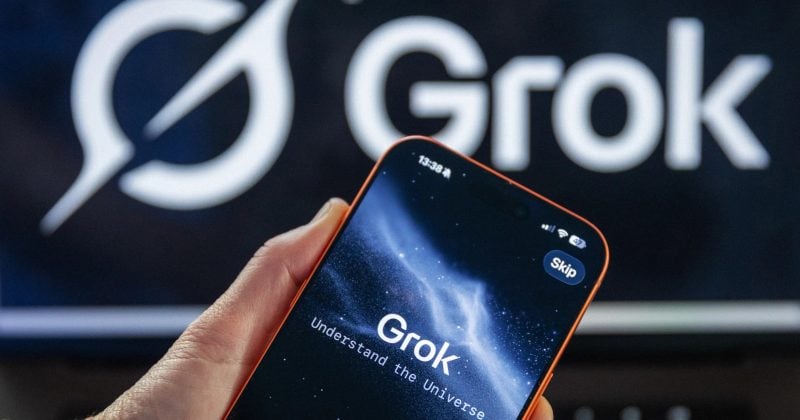
xAI added screenshot pasting to Grok Build, giving developers a faster way to share visual context with the company’s terminal based coding agent after Elon Musk reposted an X post confirming the new feature.
Paste screenshots into Grok Build https://t.co/5T2kW5micc
— Elon Musk (@elonmusk) May 26, 2026
Advertisement
The update allows users to paste screenshots directly into Grok Build instead of uploading image files separately. The feature is designed to help developers debug error messages, broken interfaces, charts, or code blocks without leaving the terminal workflow.
Grok Build launched in early beta for SuperGrok and X Premium Plus subscribers as a coding agent that runs from the terminal. xAI says the tool can help developers plan, build, test, and deploy software, with support for plan mode, subagents, reusable skills, hooks, MCP servers, code search, multi file edits, terminal execution, and headless operation.
The screenshot feature expands Grok Build’s debugging workflow by giving the model more context from visual errors and interface states. That could help developers explain problems that are harder to describe in text, particularly when dealing with UI bugs, failed tests, logs, or layout issues.
The update comes as xAI pushes Grok Build into a competitive field led by terminal based coding assistants from Anthropic and OpenAI. Grok Build entered the market with features including plan mode, diff review, parallel subagents, and headless operation, positioning it against Claude Code and Codex style tools.
Disclosure: This article was edited by Editorial Team. For more information on how we create and review content, see our Editorial Policy.