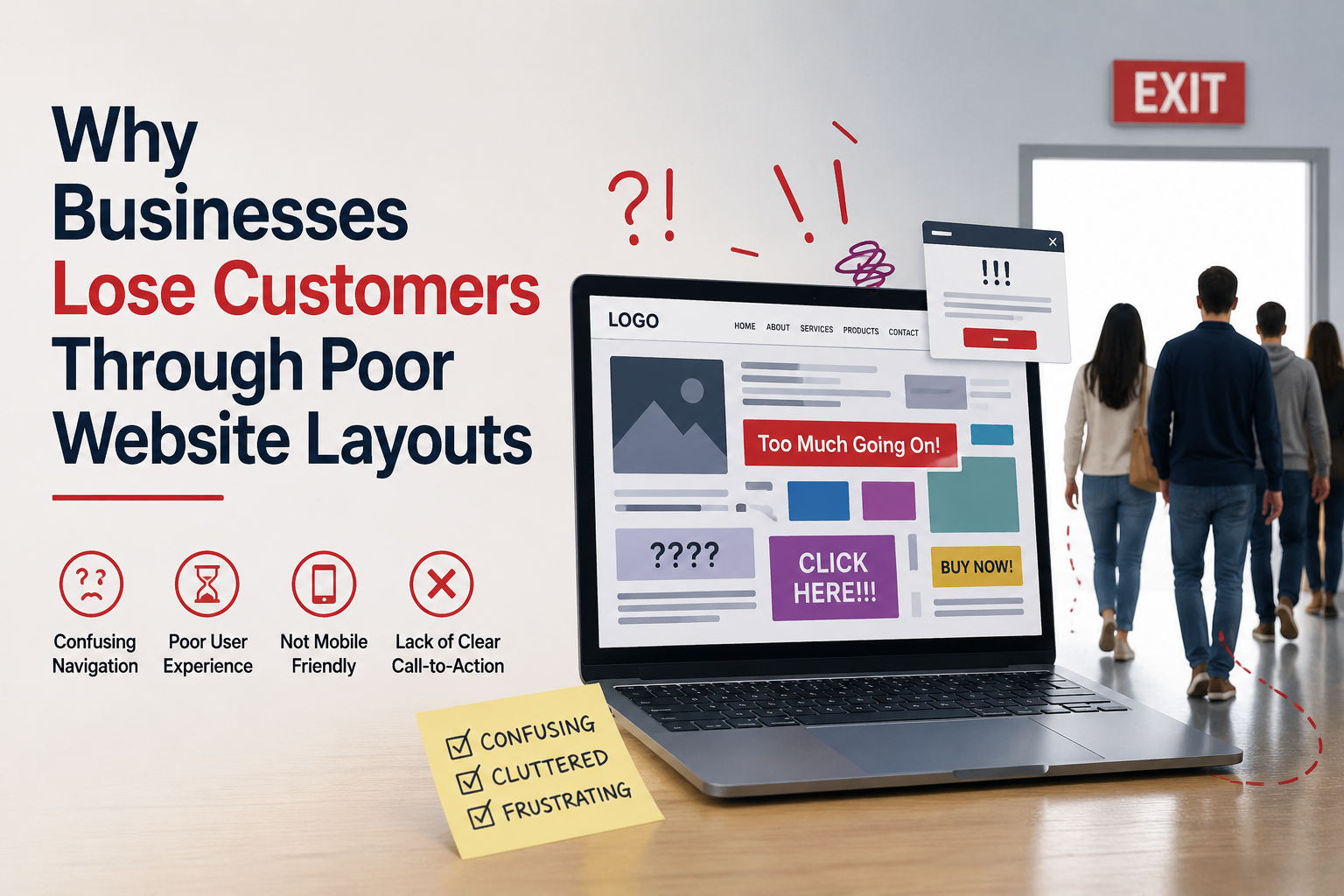
Why Businesses Lose Customers Through Poor Website Layouts
--
A website is often the first place where customers interact with a business. It creates an immediate impression and influences whether users stay, engage, or leave. While many businesses invest in having a website, not all focus on how it is structured.
A poor website layout can quietly drive potential customers away. Even if the product or service is strong, a confusing or cluttered layout can reduce trust and make it difficult for users to take action.
This article explains how poor website layouts lead to customer loss and why a well-structured design is essential for business success.
Understanding Website Layout and Its Role
Website layout refers to how content, images, and elements are arranged on a page.
Key Components of Layout
A typical layout includes:
- headers and navigation menus
- content sections
- images and visuals
- call-to-action buttons
These elements should work together to create a smooth user experience.
First Impressions Are Affected by Layout
Users form opinions within seconds of landing on a website.
Clutter Creates Confusion
Too many elements placed without structure can overwhelm users.
Lack of Visual Balance
Poor spacing and alignment make the website look unprofessional.
A negative first impression often leads users to leave immediately.
Difficult Navigation Drives Users Away
Navigation is closely connected to layout.
Hard-to-Find Information
If users cannot locate important pages quickly, they may exit the site.
Overloaded Menus
Too many menu items can confuse users and slow decision-making.
A clear and simple navigation structure helps users stay engaged.
Poor Content Organization Reduces Readability
Content layout affects how easily users can consume information.
Long Blocks of Text
Large paragraphs without breaks make reading difficult.
Missing Headings
Without proper headings, users cannot scan content effectively.
Organized content improves understanding and keeps users on the page.
Slow User Journey Impacts Conversions
A confusing layout can interrupt the user journey.
Too Many Steps
Users may need to click through multiple pages to find what they need.
Lack of Direction
Without clear guidance, users may not know what to do next.
This can result in lost opportunities and fewer enquiries.
Lack of Clear Call-to-Actions (CTAs)
Call-to-actions guide users toward taking action.
Hidden or Unclear Buttons
If CTAs are not visible or easy to understand, users may ignore them.
Poor Placement
Buttons placed in the wrong areas may not get attention.
Clear and well-placed CTAs improve conversion rates.
Inconsistent Design Elements
Consistency is important for user trust.
Mixed Styles
Different fonts, colors, and layouts across pages can confuse users.
Unpredictable Experience
Users feel uncomfortable when design elements behave differently.
Consistency helps create a smooth and reliable experience.
Mobile Layout Issues
Many users access websites through mobile devices.
Unresponsive Design
Layouts that do not adjust to smaller screens create usability issues.
Difficult Interaction
Small buttons and crowded elements make navigation hard.
A poor mobile layout can result in high bounce rates.
Slow Loading Due to Layout Problems
Layout choices can affect website performance.
Heavy Visual Elements
Too many large images or animations can slow down the site.
Poor Optimization
Unoptimized layouts increase loading time.
Slow websites frustrate users and lead to quick exits.
Weak Visual Hierarchy
Visual hierarchy helps users understand what is important.
No Clear Focus
If everything looks similar, users cannot identify key information.
Poor Use of Size and Contrast
Important elements should stand out clearly.
A strong visual hierarchy guides user attention effectively.
Overuse of Design Elements
Too many design features can reduce clarity.
Excessive Animations
Animations can distract users if overused.
Too Many Colors
Using too many colors can make the layout look unprofessional.
Simple design improves usability and focus.
Lack of Trust Signals in Layout
Trust signals should be easy to find.
Hidden Information
If contact details, reviews, or certifications are hard to locate, users may hesitate.
Poor Placement
Trust elements should be placed where users expect them.
Visible trust signals improve confidence.
Accessibility Issues
A poor layout can make websites difficult to use for some users.
Low Contrast
Text that is hard to read can reduce usability.
Poor Structure
Improper layout affects users who rely on assistive technologies.
Accessible design ensures a better experience for all users.
Impact on Brand Perception
Website layout directly affects how users view a brand.
Unprofessional Appearance
A poorly designed layout can make the business seem unreliable.
Loss of Credibility
Users may question the quality of products or services.
A strong layout supports a positive brand image.
The Role of Professional Layout Design
Creating an effective layout requires careful planning and expertise.
A professional web designing company in kochi focuses on:
- user behavior
- content structure
- visual hierarchy
- performance optimization
These factors help create layouts that improve user experience and reduce customer loss.
Learning from Real-World Experience
Practical experience helps identify layout issues and solutions.
Experienced teams understand:
- how users interact with different layouts
- what causes users to leave
- how to improve engagement
Companies like Inter Smart have worked on various web projects, helping them understand how proper layout design can prevent customer loss while maintaining simplicity and usability.
Long-Term Effects of Poor Layout
Poor layout does not just affect short-term performance.
Higher Bounce Rates
Users leave quickly without interacting.
Lower Conversion Rates
Fewer users complete actions like enquiries or purchases.
Reduced Customer Trust
Negative experiences reduce confidence in the brand.
These issues can impact overall business growth.
A Well-Structured Layout Keeps Customers Engaged
A website layout is more than just design — it is a key factor in how users interact with a business online. Poor layouts create confusion, reduce trust, and lead to lost customers. From difficult navigation and cluttered content to slow performance and weak visual hierarchy, many small issues can add up and affect user experience.
A clear, simple, and well-organized layout helps users find information easily, feel confident, and take action. It supports better engagement, higher conversions, and stronger brand perception.
In a competitive digital environment, businesses cannot afford to overlook the importance of layout. Investing in a user-focused design approach ensures that visitors stay longer, interact more, and are more likely to become customers.