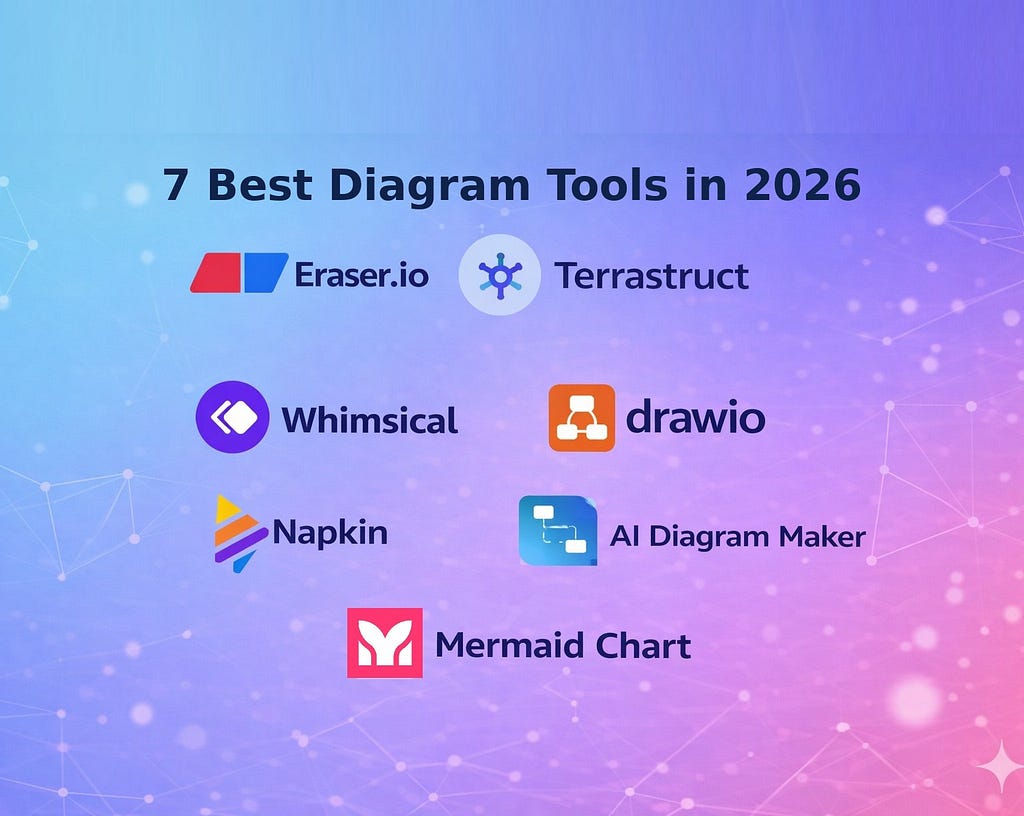
A review of AI diagram tools based on what software engineers actually need
Search for the best AI diagram tools in 2026 and you keep seeing the same list: Lucidchart, Miro, Canva, maybe Whimsical. Those are fine tools. They just are not optimized for the kind of work most engineers actually do.
If you need to document microservices, explain an event-driven system, sketch a sequence diagram from a PRD, or keep architecture diagrams close to the codebase, your criteria change fast. You care about diagram-as-code, version control, IDE fit, and whether the AI can generate something that looks like an actual software system instead of a polished whiteboard.
That is the lens for this list. This is not a roundup of the prettiest collaboration tools. It is a practical review of AI diagramming tools for developers.
Why Most “Best AI Diagram Tools” Lists Miss the Point
Most roundup articles flatten very different jobs into one category. They compare whiteboards, wireframing tools, and architecture tools as if they solve the same problem. They do not.
For engineering teams, diagrams often explain service boundaries, data flow, failure paths, or deployment shape. That is why diagram-as-code matters. A diagram in Mermaid or D2 can live in Git and evolve with the system. A diagram trapped in a canvas usually drifts.
What Makes the Best AI Diagram Tools in 2026 Useful for Engineers?
Most AI diagram tool roundups still use pre-AI evaluation criteria. For engineers using AI workflows, the better questions are whether a tool produces maintainable output, understands architecture, and fits naturally into docs, Git, and IDE-driven work.
I used four criteria.
- Diagram-as-code support: Can you generate or edit diagrams as text so they can live in Git?
- AI quality for architecture: Does the AI understand services, databases, queues, APIs, and relationships well enough to be useful?
- Developer workflow fit: Does it work with IDEs, docs, repos, or MCP-style tooling instead of forcing everything into a canvas-first workflow?
- Free tier: Can you try it seriously before committing?
I weighted these tools for engineering use cases, not general business diagramming. That is why a non-AI tool still made the list.
1. AI Diagram Maker
AI Diagram Maker is a strong option if you want natural-language generation but still care about maintainable output. You describe a system in plain English, or provide documents or repo context, and it generates D2 code plus a rendered diagram.
It is especially useful for architecture work: microservices, sequence diagrams, ER diagrams, cloud infrastructure, and system flows. The D2 output is the key differentiator because it gives you something you can keep editing instead of a static visual.

The limitation is maturity. It is newer than the more established products here, so ecosystem depth and team familiarity are still catching up.
Best for: engineers who want AI-generated architecture diagrams without giving up code-based control.
2. Eraser
Eraser is one of the safest choices for technical teams. It handles architecture diagrams, docs, and AI-assisted generation in a way that clearly targets software teams.
Its biggest strength is context. It works well from plain text, specs, and repo-adjacent material, and its workflow fits teams already documenting decisions close to engineering artifacts. It also balances technical depth with a presentation style that non-engineers can still follow.
The trade-off is scope. Eraser is very good at technical diagramming and docs, but it is not trying to be every kind of visual tool for every department. If you need broader whiteboarding or more presentation-heavy output, it can feel narrower than the general-purpose alternatives.
Best for: teams that want a proven technical diagramming product with strong AI assistance and docs integration.
3. Mermaid Chart
Mermaid Chart makes the most sense if your team already lives in Mermaid. That alone gives it an advantage. Mermaid syntax already shows up in READMEs, internal docs, and markdown-heavy workflows, so adopting Mermaid Chart can feel like extending an existing habit instead of introducing a new one.
Its strength is predictability, not raw AI quality. Mermaid is plain text, easy to diff, and widely understood. The trade-off is that the workflow still feels syntax-first, even with AI assistance.
Best for: teams already standardized on Mermaid who want some AI help without changing formats.
4. Terrastruct
Terrastruct is on this list for a different reason. It is the company behind D2, which is one of the best diagram-as-code formats available right now for software architecture work. If you want maximum control and a developer-first model, Terrastruct deserves attention.
The catch is simple: this is not a natural-language-first AI tool in the same sense as some others here. It is more of a full diagramming environment around D2. That makes it powerful, but also heavier if your main goal is quick prompt-to-diagram output.
Best for: engineers who want direct control over diagram code and care more about maintainability than AI speed.
5. Whimsical
Whimsical is fast, clean, and genuinely pleasant to use. For flowcharts, user journeys, and lightweight system overviews, it is one of the easiest tools to recommend. A lot of developers already use it, even when the official target audience leans more product and design.
Its AI features help you get from prompt to diagram quickly, which is useful in early thinking. The problem is depth. Once the diagram becomes architecture-heavy, it feels more like a sketching tool than a long-term technical documentation system.
Best for: quick flows, lightweight architecture discussions, and mixed product-engineering teams.
6. Napkin
Napkin has a different superpower. It is very good at turning written content into visuals. If you already have a wall of notes, specs, or rough documentation and you want something clearer to share, it can help fast.
That makes it useful for communication, especially when the input already exists as prose. There is less control over the final output than most engineers usually want for long-term technical docs, so it works better as a communication tool than a system-of-record tool.
Best for: turning written material into presentable visuals with minimal effort.
7. draw.io
draw.io / diagrams.net is here for one reason: honesty. It is still what a huge number of developers reach for when they need a diagram right now, because it is free, familiar, and available nearly everywhere. There is also a VS Code integration path, which helps it stay relevant in dev workflows.
It has no meaningful AI story to speak of. But excluding it would make the list less useful. In real teams, the choice is often between trying an AI tool and opening draw.io because you need something done in ten minutes.
Best for: free, no-friction, manual diagramming when speed of access matters more than AI.
Comparison Table
The fastest way to compare these tools is to look at the workflow trade-offs side by side.

The Bigger Shift: AI Is Making Diagram-as-Code More Practical
Diagram-as-code has always had one obvious advantage: diagrams can live in a repo, go through review, and evolve with the system. The reason more teams did not adopt it earlier is also obvious. Writing diagram syntax by hand takes time.
AI changes that equation. When the first draft can come from plain English, a PRD, or a codebase description, diagram-as-code becomes much easier to adopt. You still need human review, but the starting point is better.
That is why the best AI diagramming tools for developers are not just “AI canvas” products. The good ones connect generation with maintainability.
Final Take
The best AI diagram tools in 2026 are the ones that fit your workflow after the first draft. For some teams that means diagram-as-code. For others it means collaboration, speed, or zero setup.
If you have tried any of these in a real engineering workflow, I would be curious which one actually stuck, and why.
The 7 Best AI Diagram Tools in 2026, Reviewed for Software Engineers was originally published in Level Up Coding on Medium, where people are continuing the conversation by highlighting and responding to this story.