Invoicing App for Freelancers (UK) - 2026 Complete Guide
Disclosure: This article was written by Ovaro, a company mentioned in this comparison. It is based on genuine research and experience with invoicing tools for UK freelancers.
--
An invoicing app for freelancers is software that lets self‑employed professionals create, send, and track invoices, accept payments, and manage overdue reminders, all from a mobile phone or desktop.
If you’re a freelancer in the UK, you’ve likely wasted hours typing invoices, chasing late payments, and wondering why cash flow is always a mess. The right invoicing app for freelancers can cut that admin to minutes, and get you paid faster.
Here’s the kicker: From April 2026, UK sole traders earning over £50,000 must use MTD‑compliant software. Spreadsheets won’t cut it. That’s why choosing the right invoicing app now isn’t just about convenience; it’s about staying legal.
But with so many options, which one is actually the best invoicing app for freelancers in the UK? And what about freelance invoice templates, contractor invoice software, or invoice software UK-specific compliance?
I’ve analysed the market, tested the top tools, and mapped the keywords that matter. Here’s your complete guide, from how to invoice someone as a freelancer to choosing the right software for your business.
Key Takeaways
The best invoicing app for UK freelancers is Ovaro (free lifetime for the first 250 users).
Look for voice-to-invoice, prompt or manual creation, shareable invoices with a payment button inside the invoice, a tap-to-pay feature, automatic overdue reminders, and MTD compliance.
FreeAgent suits full accounting but lacks modern invoicing tool features; Bookipi is simple and free, but it has added a lot offeatures, and upon using it, it seems their main focus has shifted to being an alternative for basic invoicing.
You can invoice by voice in under 30 seconds and accept tap‑to‑pay without a card reader.
Quick Answer: Best Invoicing App for Freelancers
Ovaro is the top choice for UK freelancers. It lets you create invoices by voice, accept tap‑to‑pay on your phone, and send automatic invoice overdue reminders. It’s also MTD ready for HMRC. First 250 users get free lifetime access.
Other solid options: FreeAgent (full accounting) and Bookipi (simple free plan). But for speed and simplicity, Ovaro wins.
What Makes a Great Invoicing App for Freelancers?
Before comparing tools, here are the features that actually save you time:
- Fast invoice creation - voice or template, not manual typing or entering your client details every time you create an invoice.
- Payment links - clients click and pay instantly (no bank transfer delays).
- Automatic overdue reminders - polite chasers when an invoice is overdue.
- Expense tracking - snap receipts, auto‑categorise, and a reporting dashboard which lets you download your reports for audit.
- MTD compliance - essential for UK freelancers earning over £50k (from April 2026).
- Free invoicing app option - many freelancers start with a free plan.
1. Ovaro - The Fastest Invoicing App for Freelancers
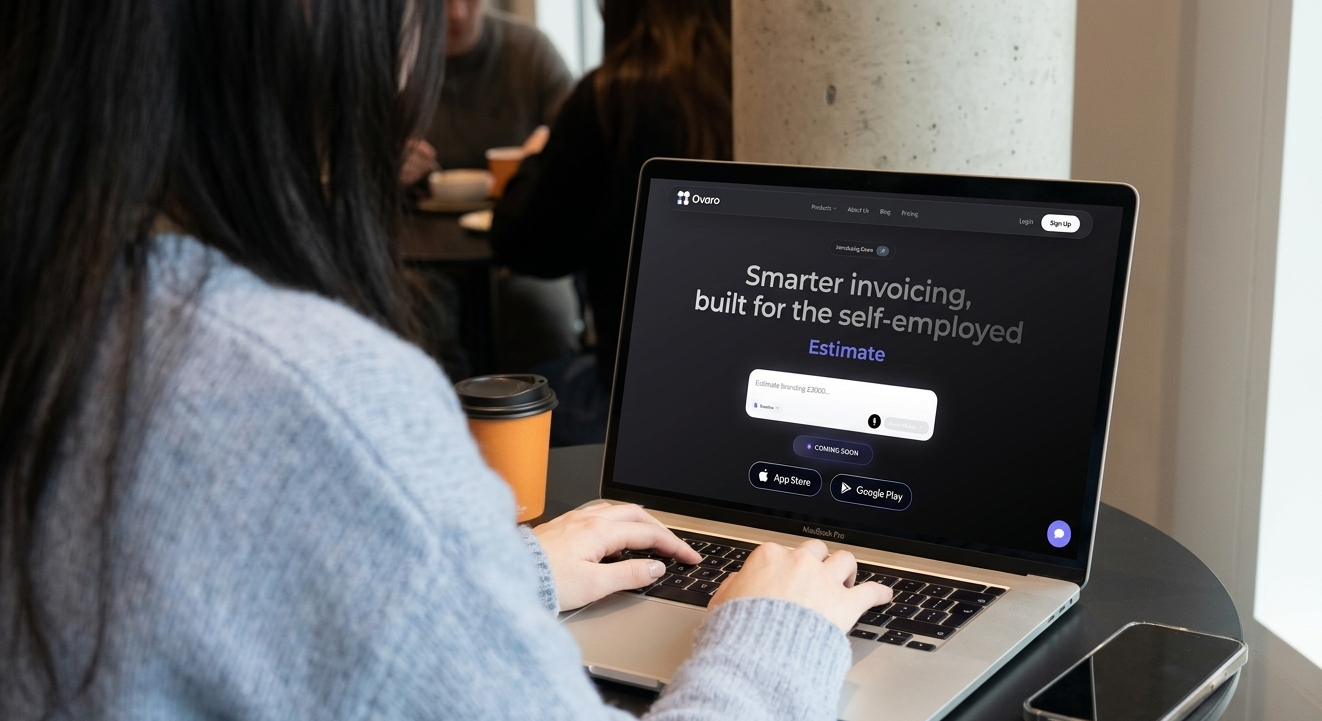
Ovaro is built specifically for UK freelancers who want to get paid instantly. You create invoices by speaking into your phone, for example, “Invoice Sarah, logo design, £400,” and it generates a professional PDF in under 30 seconds.
- Tap‑to‑pay clients can tap their card on your phone (no card reader needed).
- Payment links: Every invoice includes a one‑click Stripe link.
- Invoice Overdue reminders.
- Expense tracking snap receipts, AI categorises them.
- MTD ready compliant with HMRC’s Making Tax Digital.
- VAT support adds VAT to invoices (standard, reduced, and zero rates).
Pricing:
- Basic: £3.99/month (includes 3 invoices, payment links, photo attachments, voice invoicing, tap‑to‑pay)
- Premium: £6.99/month ( all features of basic + unlimited invoices, reporting dashboard, unlimited document conversion)
Best for: Freelancers who want the fastest way to invoice and get paid.
👉 Try Ovaro free for life (limited offer)
2. FreeAgent - Best for Full Accounting
FreeAgent is excellent if you want bank feeds, tax estimates, and invoicing in one place. Many freelancers get it free through a Mettle or NatWest business account.
- Pros: Comprehensive, MTD ready, good tax tools.
- Cons: Overkill for simple invoicing, no voice AI, lack of tiered pricing (making it pricey for light users).
Pricing: approximately £19 per month, but requires an add-on (or is free with certain bank accounts).
Best for: Freelancers who want full accounting, not just invoicing.
3. Bookipi - Best for Simple Free Invoicing
Bookipi is a mobile - first invoicing app popular among freelancers in the USA. It offers a free plan with basic 3 invoices per month and payment links.
- Pros: Free tier available, easy to use, mobile-friendly.
- Cons: No MTD compliance, no invoice customisation options on the free plan.
Best for: Freelancers just starting with very low invoice volume.
How to Invoice Someone as a Freelancer (UK Step‑by‑Step)
To invoice someone as a freelancer, include your business details, unique invoice number, client details, itemised services, payment terms, payment methods, and VAT breakdown, then send it via email or an invoicing app.
If you’re new to freelancing, you might be asking: how to send an invoice as a freelancer? Here’s a simple step‑by‑step guide.
- Include your business details, name, address, and VAT number (if registered).
- Unique invoice number, sequential (e.g., INV-001).
- Client details, name, address, project reference.
- Itemised list of services, description, quantity, unit price, total.
- Payment terms “Due on receipt” or “Net 7” (7 days).
- Payment methods: bank transfer details or a payment link (recommended).
- VAT breakdown, if applicable, show VAT separately.
- Send it- by email or via an invoicing app.
Pro tip: Use an invoicing app for freelancers like Ovaro, where you speak the details, and it does all the formatting for you.
Invoice Software UK - Why Local Matters
The UK has specific requirements: VAT, MTD, and HMRC digital records. Using generic invoice software from outside the UK often misses these. Invoice software UK should:
- Be MTD ready (for the April 2026 deadline).
- Support VAT (standard, reduced, zero rates).
- Generate MTD‑compliant digital records.
- Integrate with HMRC for quarterly updates.
Ovaro is built from the ground up for UK freelancers and sole traders. It’s MTD ready and follows all HMRC rules. You can learn more here about
FAQ - Freelancers’ Most Asked Questions
Q: Do I need MTD‑compliant invoicing software?
A: From April 2026, if you earn over £50,000 as a sole trader, you must use MTD‑compliant software. Ovaro and FreeAgent are MTD ready.
Q: Can I accept card payments without a card reader?
A: Yes - Ovaro lets you accept tap‑to‑pay directly on your phone. No extra hardware.
Q: What’s the cheapest invoicing app for freelancers?
A: Bookipi has a free plan, but Ovaro’s free lifetime offer (first 250 users) gives you premium features for free - that’s the best deal.
Q: How do I stop chasing late payments?
A: Use an app with automatic overdue reminders. Ovaro sends overdue invoice notifications
Q: How to invoice someone as a freelancer for the first time?
A: Follow the step‑by‑step guide above, or better - use Ovaro’s voice invoicing. Speak the details, and the app does the rest.
Related Questions
What is the best free invoicing app for freelancers in the UK?
Ovaro’s free lifetime offer is the best value, followed by Bookipi for basic needs.
Can I invoice from my phone?
Yes, Ovaro and Bookipi both have mobile apps; Ovaro supports voice creation.
Do I need an accountant for invoicing?
No, but an invoicing app can generate reports that make your accountant’s job easier.
What is the difference between invoice software and accounting software?
Invoice software focuses on billing and payments; accounting software includes bank feeds, tax estimates, and full financial reports.
Your Action Plan - Get Started Today
- Sign up for Ovaro (free lifetime for first 250 users) invoiceovaro.com
- Create your first invoice by voice in under 30 seconds.
- Link your Stripe account to receive payments or enter your bank details.
- Stop wasting time on manual admin.
Final verdict: For speed, ease, and value, Ovaro is the best invoicing app for freelancers in the UK. Claim your free lifetime account before the 250 spots run out.
👉 Get your free lifetime account now
About the Author
Written by Ovaro, an AI‑powered invoicing platform for UK freelancers and sole traders. We write about practical tools to save time, get paid faster, and stay tax compliant.