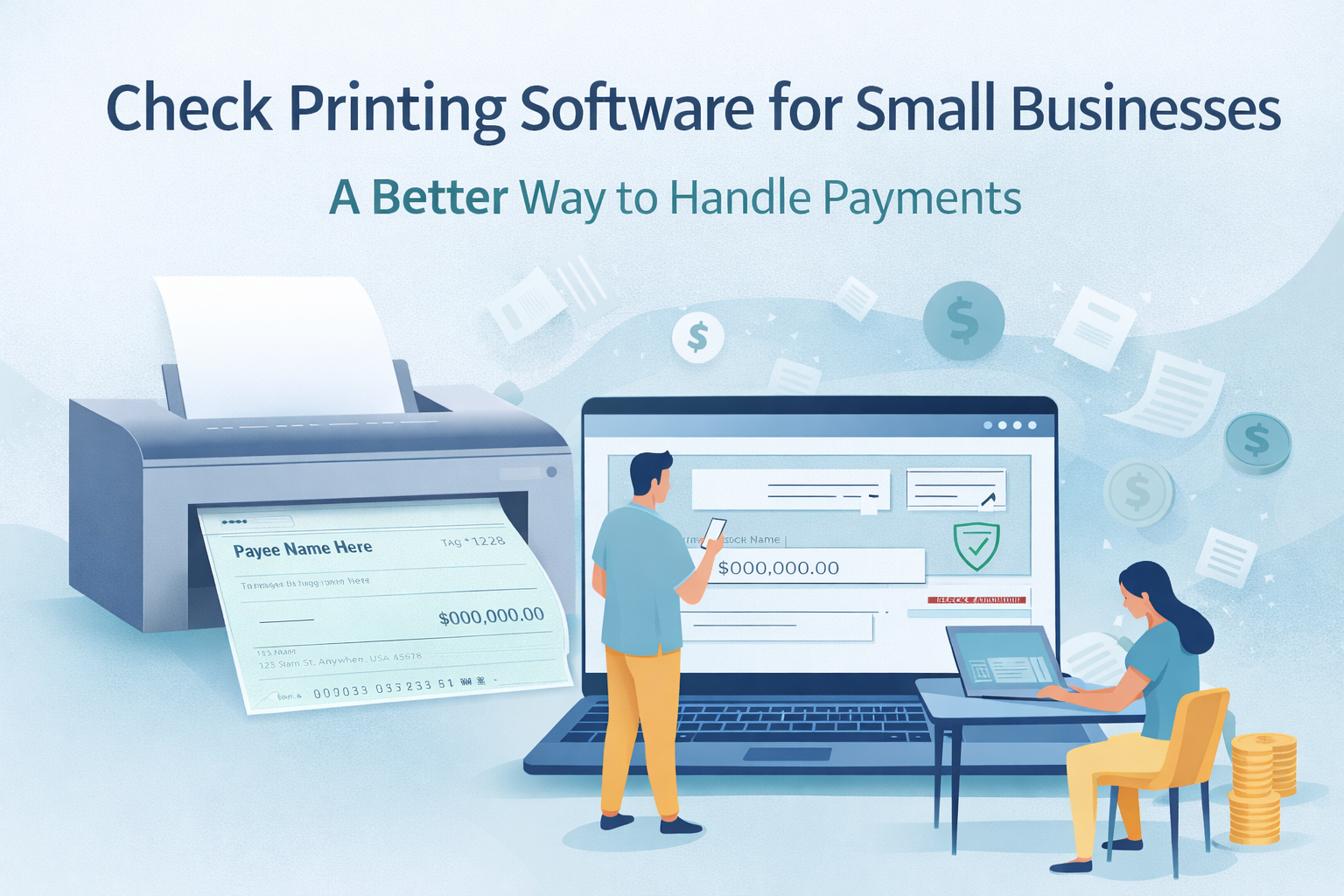
Check Printing Software for Small Businesses: A Better Way to Handle Payments
--
OnlineCheckWriter.com — Powered by Zil Money gives businesses a direct way to handle check printing — reducing reliance on pre-printed stock and manual processes.
Check Printing Software has become essential for many small businesses, but the way it’s traditionally handled often creates more problems than expected.
Running out of check stock at the wrong time. Fixing small errors that turn into reprints. Spending hours preparing, verifying, and mailing payments. These aren’t rare issues-they’re part of the routine for many finance teams.
Over time, these inefficiencies can increase operational costs and slow down payment cycles.
When the Workaround Becomes the Problem
Most businesses don’t immediately replace their process. They adjust around it.
They reorder check stock more frequently.
They double-check entries manually.
They allocate more time to printing and approvals.
And when something goes wrong, they fix it again.
The workaround slowly becomes the system.
But as payment volume grows, these adjustments start creating more effort instead of solving the problem.
Why Check Printing Software Makes Practical Sense
Small and medium-sized businesses in the U.S. continue to rely on checks for vendor payments and payroll, even as workflows become more demanding.
That’s where Check Printing Software becomes relevant.
Instead of handling each step manually, payments can be created, reviewed, and printed within a structured system. It reduces dependency on physical stock and helps bring consistency to the process.
It’s not about changing how businesses pay-it’s about improving how those payments are handled. Many businesses also look for better visibility into their payment activity. Having access to organized records, payment history, and consistent formats helps teams stay aligned and reduces confusion during reconciliation. This becomes especially useful during audits, reporting cycles, or when multiple team members are involved in managing outgoing payments.
How It Actually Works
The process is straightforward.
Payment details are entered or imported into the system.
Templates help maintain consistency across checks.
Checks are printed on blank paper using a standard printer.
From there, businesses can print checks as needed or choose alternative delivery options depending on their workflow.
Platforms such as OnlineCheckWriter.com — Powered by Zil Money support this flow by bringing these steps into one place, reducing the need for multiple tools.
What Stays the Same for Your Business
One of the biggest concerns with changing payment processes is disruption. That doesn’t happen here.
Vendors still receive checks the same way.
Payroll continues the same schedule.
There’s no need to change how payments are issued.
The only difference is how efficiently those payments are created and handled.
Where the Cost Differences Come From
Traditional check printing costs are spread across multiple areas:
- Pre-printed check stock
- Reprints caused by manual errors
- Mailing and handling expenses
- Time spent on repetitive tasks
With Check Printing Software, many of these cost drivers can be reduced.
Many businesses find that using Check Printing Software can help reduce costs compared to traditional pre-printed checks, particularly as payment volumes increase.
When This Makes the Most Sense
This approach works especially well for businesses that:
- Handle frequent vendor payments
- Run payroll on a regular schedule
- Experience delays due to manual workflows
- Need better visibility into outgoing payments
For growing teams, the impact becomes more noticeable as payment processes scale.
A More Practical Way Forward
Check printing isn’t going away, but the way it’s managed is evolving.
Instead of adding more effort to keep up with payments, businesses are moving toward systems that reduce manual steps and bring more clarity into the process.
Platforms such as OnlineCheckWriter.com — Powered by Zil Money fit into this shift by helping businesses handle check payments in a more structured way.
FAQs
1. What is check printing software, and how does it work?
Check printing software allows businesses to create and print checks on blank paper using a standard printer, replacing the need for pre-printed check stock.
2. Do I need special equipment to use check printing software?
No. Most platforms work with standard printers, so existing office setups can be used without additional hardware.
3. Can check printing software help reduce errors?
Yes. Templates, saved data, and approval of workflows help reduce manual entry mistakes and reprints.
“The information provided is for general informational purposes only and does not constitute legal, financial, or tax advice. OnlineCheckWriter.com — Powered by Zil Money makes no representation or warranty regarding accuracy, completeness, or reliability of any information. Use of this information is at your own risk.”