Android Wallet
 The Crypto Republic4 min read·1 hour ago
--
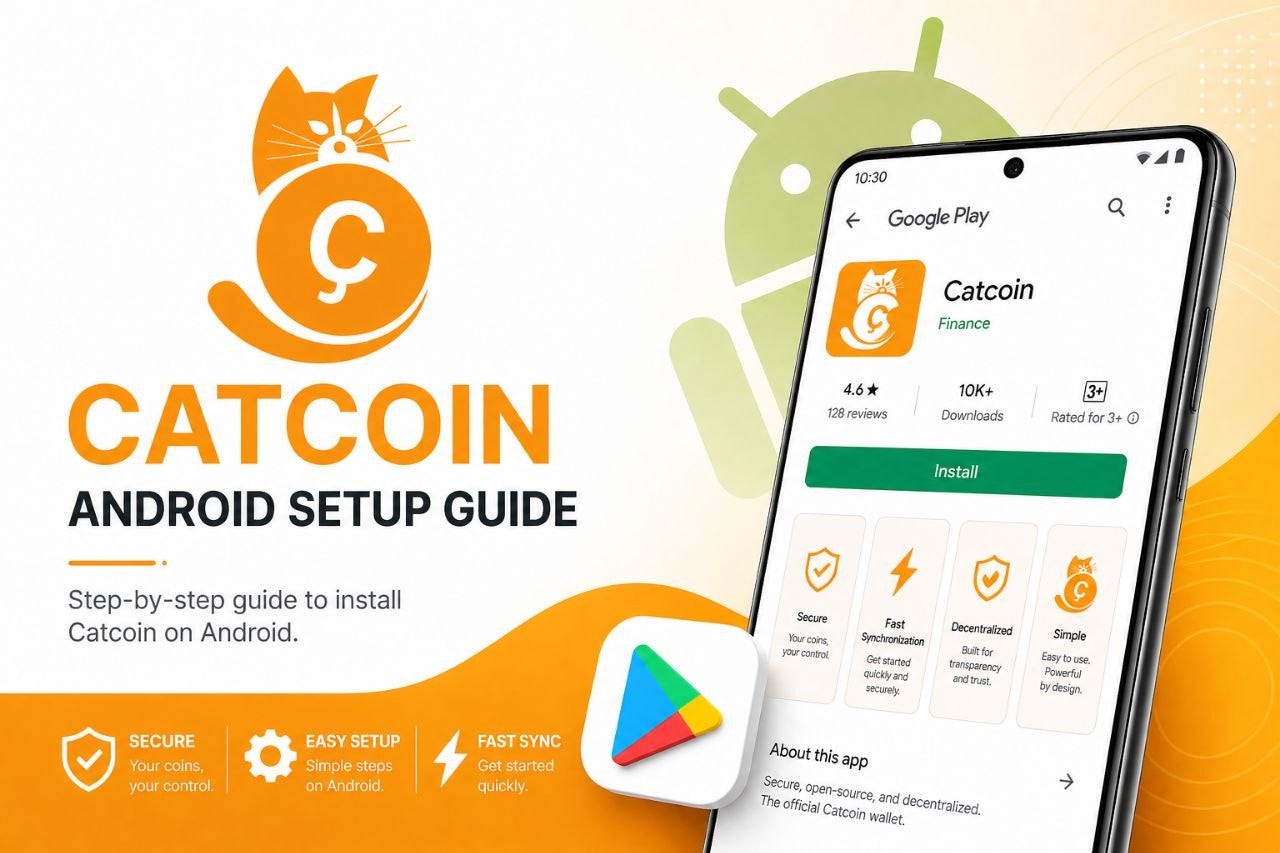
The official Catcoin Android wallet lets you send and receive CAT directly from your smartphone. Unlike the desktop wallets, the Android wallet is a lightweight (SPV) client, meaning it does not download the full blockchain — making it faster to set up and ideal for everyday mobile use.
Step 1: Install from Google Play
The official Android wallet is distributed exclusively through the Google Play Store. Do not install APK files from unofficial sources.
Google Play Store Link: https://play.google.com/store/apps/details?id=org.catcoin.cat
1. Open the Google Play Store on your Android device.
2. Search for Catcoin or use the link above to navigate directly to the app page.
3. Verify the publisher is the official Catcoin team before installing.
4. Tap Install and wait for the download to complete.
5. Tap Open once installation is finished.
Step 2: Create or Restore a Wallet
On first launch you will be presented with two options:
• Create a new wallet: The app generates a new set of private keys and a recovery phrase for you.
• Restore an existing wallet: Enter your 12-word or 24-word recovery phrase to restore access to an existing Catcoin wallet.
Step 3: Back Up Your Recovery Phrase
Your recovery phrase (seed phrase) is the only way to restore your Android wallet if your phone is lost, stolen, or replaced. Write it down on paper and store it securely offline. Never store it digitally in photos, notes apps, or cloud services.
6. When prompted, write down the recovery phrase word-by-word on paper.
7. Verify the phrase by re-entering it when asked.
8. Store the paper in a secure, private location.
Step 4: Generate a Receiving Address
9. In the app, tap Receive.
10. Your Catcoin address is displayed as both a QR code and a text string.
11. Share the QR code or copy the address to receive CAT from other users.
Step 5: Send Catcoin
12. Tap Send in the app.
13. Enter or scan the recipient’s Catcoin address.
14. Enter the amount of CAT to send.
15. Review the transaction details and tap Confirm.
Security Best Practices
Whether you use the desktop or mobile wallet, follow these practices to keep your Catcoin safe:
• Never share your private keys or recovery phrase: Anyone who has these can access your coins. No legitimate support team will ever ask for them.
• Always verify checksums: Before installing any wallet software, confirm the SHA-256 checksum matches the value published on the official GitHub page.
• Download only from official sources: Use the GitHub releases page or the Google Play Store link listed in this guide. Avoid any third-party download sites.
• Back up immediately: Create your wallet backup on the day you install the software, before you receive any coins.
• Use encrypted storage for backups: Store wallet.dat files and recovery phrases on encrypted drives or in secure physical locations.
• Keep the software updated: Check the official GitHub page periodically for new releases and update your wallet to stay current with network improvements.
Frequently Asked Questions
How long does blockchain syncing take?
Syncing time depends on your internet connection speed and the current size of the Catcoin blockchain. Most users complete the initial sync within a few hours. Leave the wallet running and connected throughout the process.
What is the difference between the desktop wallet and the Android wallet?
The desktop wallets (Windows, Linux, macOS) are full-node clients that download and verify the complete Catcoin blockchain, giving you the highest level of security and decentralization. The Android wallet is a lightweight (SPV) client that checks transactions without downloading the full chain — making it faster and better suited for mobile use.
I lost my wallet.dat file. Can I recover my coins?
If you do not have a backup of your wallet.dat file, there is no way to recover your coins. This is why backing up immediately after setup is critical. If you have an Android wallet, you can restore from your recovery phrase on any device.
Is there a legacy version of the wallet?
A legacy version (v0.9.3.0) exists for historical reference only. Do not use the legacy version for active transactions. Always use v2.1.1, the current official release.
What is self-custody and why does it matter?
Self-custody means only you hold your private keys. Unlike keeping coins on an exchange, self-custody means no third party can freeze, restrict, or lose access to your funds. Your coins are as accessible as your wallet backup — and as secure as how well you protect it.
Happy Holding Cats!